How to play
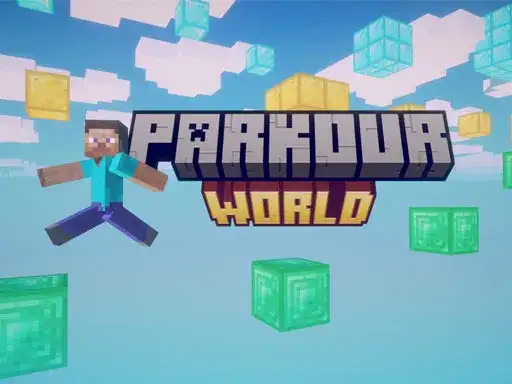
Parkour World is a Minecraft-inspired parkour game where you move through levels and clear the challenges in each one. The developer says every level has its own distinct features, so the layout and obstacles change as you go. The first levels are relatively simple, and the difficulty rises as you progress. By the time you clear the first ten levels, the developer says you will find the game much harder. Your goal on each level is to reach the end of the course using the movement controls.
Controls explained
Use WASD to move your character around the level. Hold Shift to run when you need more speed for a gap or a stretch of ground. Press Space to jump, which is how you get over obstacles and across open spaces. Press E to open a chest when you find one. Press ESC to pause the game, and press it again to resume. The developer lists these keys.
Tips
- Hold Shift before a jump so you carry running speed into the gap.
- Watch the level layout first, because each level has its own features and obstacles.
- Use ESC to pause when you want to stop and plan your next move.
- Press E near a chest to open it instead of jumping past it.
- Expect the early levels to be simple, and treat them as practice for the harder ones ahead.
FAQ
What kind of game is Parkour World? It is a Minecraft-inspired parkour game with levels to clear. You move through levels and clear the challenges in each one.
Do the levels get harder? Yes. The developer says the initial levels are relatively simple and the game gets harder as you progress. After the first ten levels, the developer says you will find the game much harder.
How do I open a chest? Press E to open a chest. The developer lists E as the key for opening chests, alongside WASD to move, Shift to run, Space to jump and ESC to pause or resume.