How to play
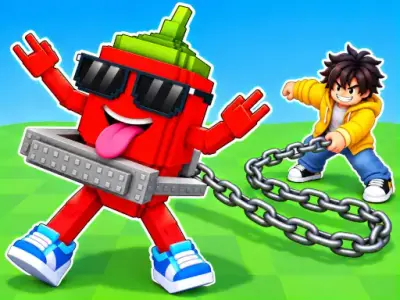
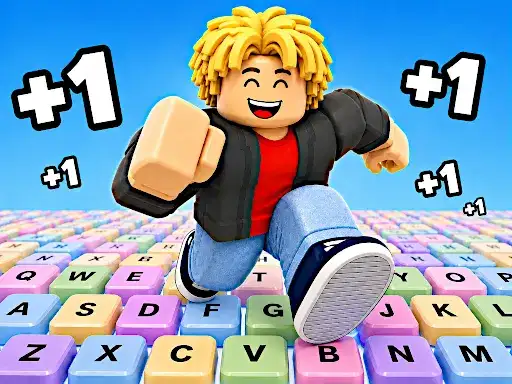
You stand on a giant keyboard and fire Lucky Blocks from a bazooka to send them as far as you can. The blocks open into Brainrots, and the more valuable the Brainrot, the better your run. After you launch and collect, Tung Tung Sahur chases you back toward the Safe Zone, so you have to run for your life. Luck, upgrades, speed, and survival all come together in one game. The developer says it is a fast-paced collecting and escape game.
Controls explained
Player 1 moves with W, A, S, D, jumps with Space, and speeds up with Shift. Press TAB or E to launch a Lucky Brainrot, and press E to interact. Upgrade a Brainrot with Q, and open the Rebirth menu with T. Player 2 uses the Arrow Keys to move, L to jump, and K to speed up. Player 2 launches a Lucky Brainrot with U, interacts with O, upgrades a Brainrot with U, and opens the Rebirth menu with Y. Mobile controls are available.
Tips
- Fire Lucky Blocks as far as you can so the Brainrots you find are more valuable.
- Keep an eye on your speed when Tung Tung Sahur starts chasing you back to the Safe Zone.
- Open the Rebirth menu with T (Player 1) or Y (Player 2) when you want to use it.
- Upgrade your Brainrots with the upgrade key before you launch the next block.
- In two-player games, split the keyboard controls so one player handles movement and the other handles launching.
FAQ
What is the goal in 1 Speed Keyboard Lucky Escape? You launch Lucky Blocks with a bazooka, collect Brainrots, and then escape Tung Tung Sahur by running back to the Safe Zone.
How many Brainrots can I collect? There are 93 different Brainrots to find, and the developer says they become increasingly valuable.
Can two players play on one keyboard? Yes. Player 1 uses W, A, S, D, Space, Shift, TAB or E, Q, and T, while Player 2 uses the Arrow Keys, L, K, U, O, and Y.