How to play
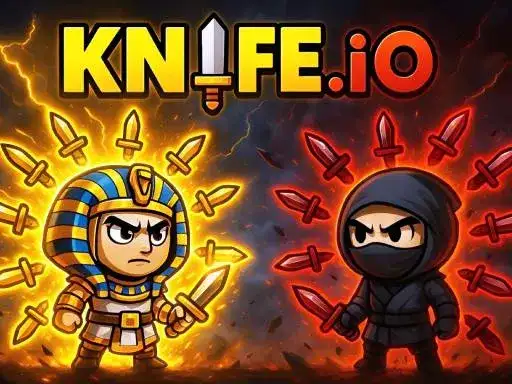
Knife.io is a 2D battle game about throwing knives at your enemies to eliminate them. You dodge incoming attacks, aim precisely and try to take down as many opponents as possible without getting hit. The developer says every match is a colorful and action-packed challenge, and you can play solo or team up with a friend in local multiplayer. The game runs free in your browser.
Controls explained
On PC, move with the mouse or WASD, and attack with the Spacebar or left click. On mobile, use your first finger to move and your second finger to attack. For two players on PC, Player 1 moves with WASD and attacks with Spacebar, while Player 2 moves with the Arrow Keys and attacks with L. Local multiplayer on mobile uses the first finger to move.
Tips
- Keep moving with the mouse or WASD so incoming knives are harder to land on you.
- Aim before you attack: a precise throw eliminates an enemy, while a wild one leaves you open.
- In local multiplayer, split roles with your friend so one of you pressures enemies while the other dodges.
- Use the second finger on mobile to attack while your first finger keeps you moving.
- Play without getting hit: the developer says the goal is to take down as many opponents as possible without taking a hit.
FAQ
Can I play Knife.io with a friend? Yes. The game supports local multiplayer for two players on PC and on mobile, alongside single player.
What are the controls on mobile? Use your first finger to move and your second finger to attack. In two-player local multiplayer on mobile, the first finger moves.
What do I do in Knife.io? You throw knives at enemies to eliminate them, dodge their attacks and aim precisely. The developer says you try to take down as many opponents as possible without getting hit.